Super Nintendo Entertainment System (SNES)
Overview
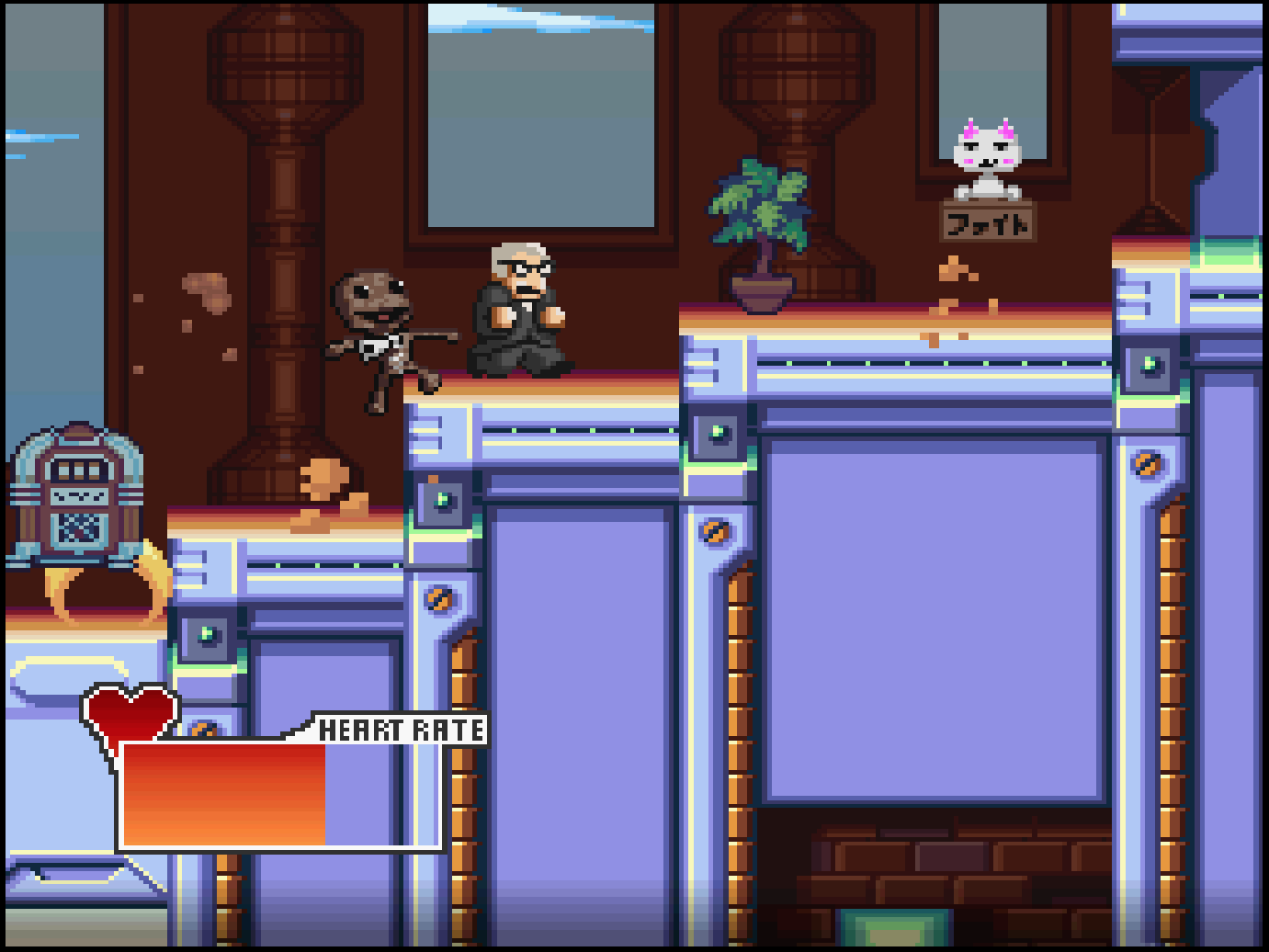
The Super Nintendo Entertainment System (SNES) application is an emulator for the Super Nintendo Entertainment System game console.
Controls
The emulator supports up to five controllers (when Multitap is enabled). The keyboard and gamepad mappings are listed in the tables below.
Keyboard
Keyboard support is only available for controller one.
| Name | Keys |
Comments |
|---|---|---|
| Move |     |
|
| A |  |
|
| B |  |
|
| X |  |
|
| Y |  |
|
| Left Shoulder |  |
|
| Right Shoulder |  |
|
| Start |  |
|
| Select |  |
The Right Shift Key. |
| Show Pause Screen |  |
Gamepad
Gamepad support is available for all controllers.
| Name | Gamepad |
Comments |
|---|---|---|
| Move |  or or  |
|
| A |  |
|
| B |  |
|
| X |  |
|
| Y |  |
|
| Left Shoulder |  |
|
| Right Shoulder |  |
|
| Start |  |
Not available for Xbox and not recommended for iOS (see alternate) Press the Menu (Start) Button. |
| Start (Alternate) |
 and and  |
Hold down the Right Trigger and click (press down) on the Right Thumbstick. |
| Select |  |
Not available for Xbox and not recommended for iOS (see alternate) Press the View (Back) Button. |
| Select (Alternate) |
and  |
Hold down the Right Trigger and click (press down) on the Left Thumbstick. |
| Show Pause Screen |  and and |
Not available for Xbox and not recommended for iOS (see alternate 3 or 4) Hold down the Left Trigger and press the Menu (Start) Button. |
| Show Pause Screen (Alternate) |
and |
Not available for Xbox and not recommended for iOS (see alternate 3 or 4) Hold down the Left Trigger and press the View (Back) Button. |
| Show Pause Screen (Alternate 2) |
and |
Not available for Xbox and not recommended for iOS (see alternate 3 or 4) Hold down the X Button and press the View (Back) Button. |
| Show Pause Screen (Alternate 3) |
and |
Hold down the Left Trigger and click (press down) on the Left Thumbstick. |
| Show Pause Screen (Alternate 4) |
and |
Hold down the Left Trigger and click (press down) on the Right Thumbstick. |
Battery-backed SRAM
Some SNES cartridges include battery-backed SRAM as a means of preserving state between sessions. The SNES application supports persisting this SRAM state into the browser's local storage or optionally to cloud-based storage. The SRAM contents will be persisted to storage whenever the pause screen is displayed (or the game is exited). Therefore, the menu should be displayed periodically for games that support battery-backed SRAM to ensure the state is properly persisted.
Feed
This section details how SNES application instances can be added to feeds.
Types
Two SNES application types are available, each offering different trade-offs in compatibility, features, and system resource requirements. Libretro SNES9X is the default (⭐) and is mapped to the snes alias. The default can be overridden globally in Settings > Applications, or on a per-item basis in the Feed Editor.
| Name | Type | Cheats | Shaders | Retro Achievements |
Low CPU |
|---|---|---|---|---|---|
| Libretro SNES9X ⭐ | retro-snes9x |
✅ | ✅ | ✅ | x |
| SNES9X | snes9x |
x | x | x | ✅ |
Properties
The table below contains the properties that are specific to the SNES application. These properties are
specified in the props object of a feed item.
| Property | Type | Required | Details |
|---|---|---|---|
| cheat | URL | No | URL to a cheat file for the current ROM. See the Cheats Tab in the Item Editor for details on assigning cheat files. (Libretro SNES9X only) |
| pal | Boolean | No | Whether to force PAL video mode for the specified ROM. |
| port2 | Numeric | No | The type of controller that is plugged into port #2 (defaults to Standard).
|
| rom | URL | Yes | URL to an SNES ROM file or a zip file containing a ROM file. |
| zoomLevel | Numeric | No | A numeric value indicating how much the display image should be zoomed in (0-40). This property is typically used to hide the black borders that are present on some games. |
Example
The following is an example of a complete feed that consists of a single SNES application instance (type value of snes). The rom property value is a URL that points to a Dropbox location that contains the excellent homebrew game Super Boss Gaiden by Chrono Moogle and Dieter von Laser.
{
  "title": "SNES Feed",
  "longTitle": "Super Nintendo Entertainment System Example Feed",
  "categories": [
    {
      "title": "SNES Games",
      "longTitle": "Super Nintendo Entertainment System Games",
      "items": [
        {
          "title": "Super Boss Gaiden",
          "type": "snes",
          "props": {
            "rom": "https://dl.dropboxusercontent.com/s/uzjekhtrrfyik5h/superbossgaiden.sfc"
          }
        }
      ]
    }
  ]
}