Imgur
Imgur can be used to host images (backgrounds, thumbnails, etc.) that are referenced in a WebЯcade feed.
To host an image in Imgur, perform the following steps (registering with Imgur is optional):
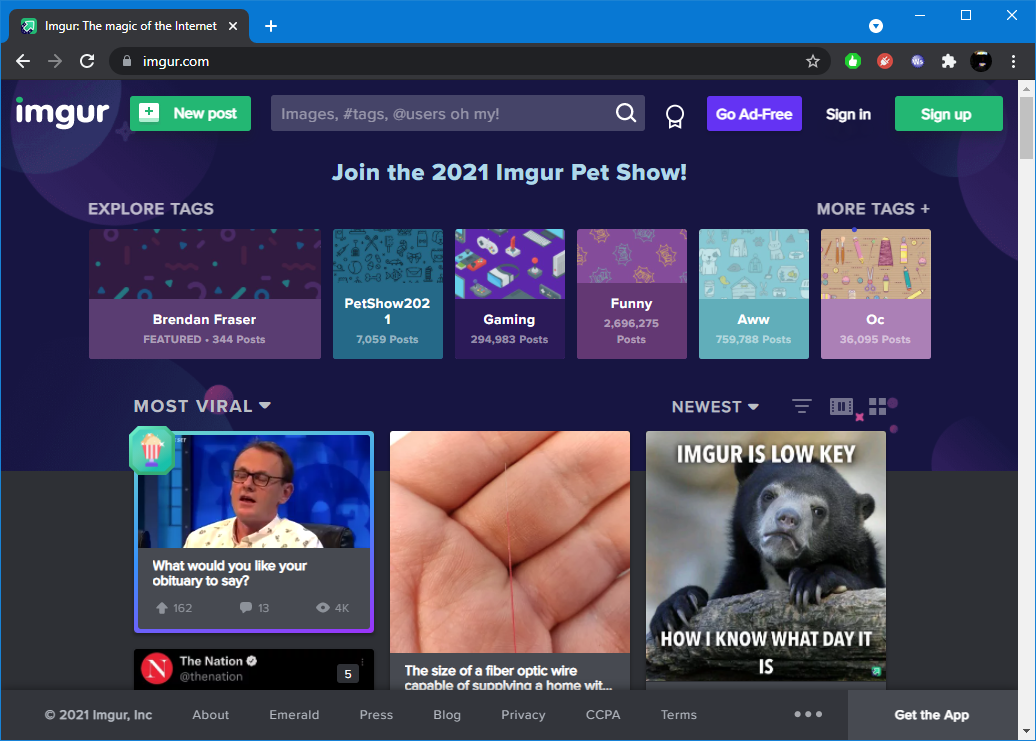
- Click the "
New Post" button in the upper-left corner of the page (see screenshot below).
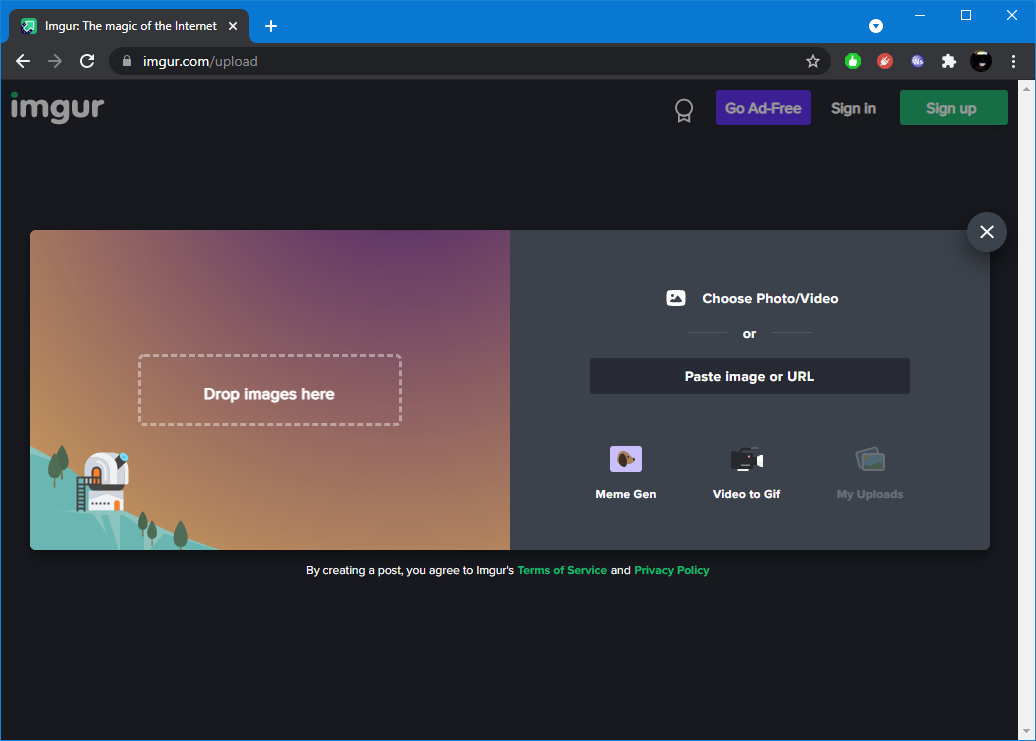
- Drag or select the image to upload (see screenshot below).
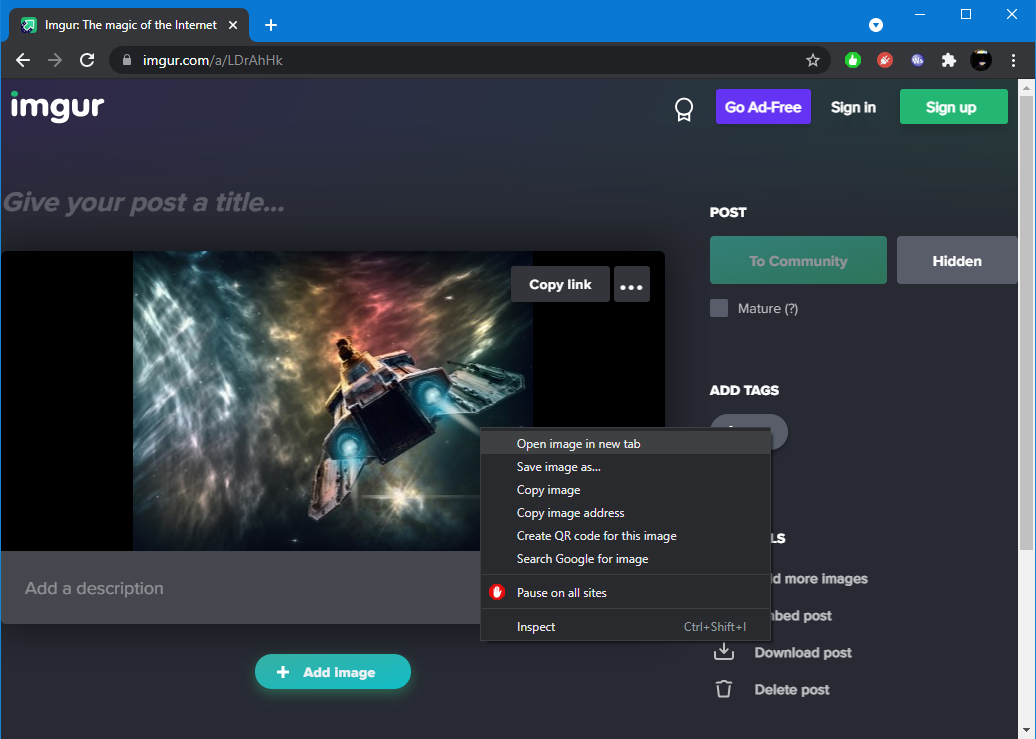
- Right-click on the newly uploaded image and select "
Open image in new tab" from the context menu (see screenshot below).
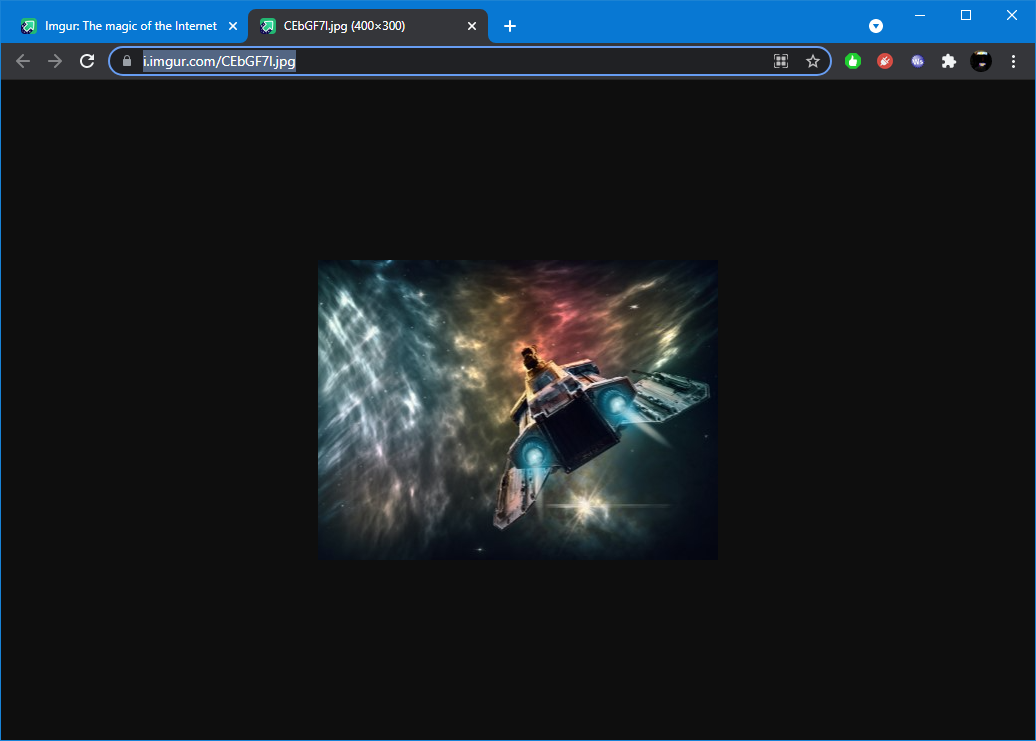
- Select and copy the image URL from the browser's navigation bar (see screenshot below).
Example
The following is an example of a simple webЯcade feed that contains the thumbnail image that was uploaded to Imgur in the steps detailed above.
{
  "title": "Imgur Example Feed",
  "categories": [
    {
      "title": "Shooters",
      "thumbnail": "https://i.imgur.com/CEbGF7l.jpg",
      "items": [
        {
          "title": "Astro Force",
          "type": "sms",
          "props": {
            "rom": "https://dl.dropboxusercontent.com/s/ggc87mfds9bax9p/astroforce.sms"
          }
        }
      ]
    }
  ]
}