Sega Saturn (Experimental)
Warning
The Sega Saturn application is currently designated as an experimental application.
This designation has been applied due to the following:
- The resource requirements to properly run the emulator are high.
- Many games exhibit compatibility issues and defects.
By default, Experimental applications are not displayed in the webЯcade player or feed editor.
To enable the Saturn application, refer to the advanced settings sections of the player (player advanced settings) or editor (editor advanced settings).
Overview
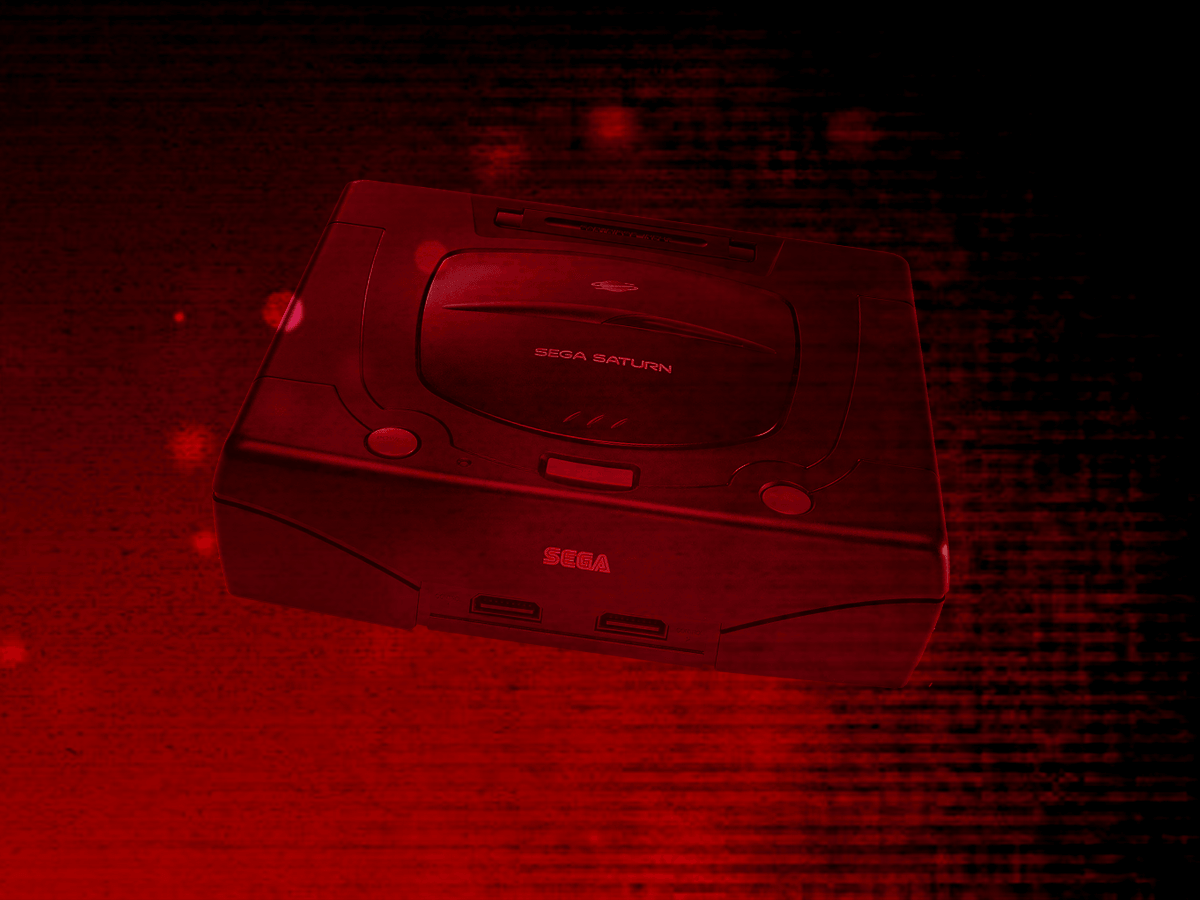
The Sega Saturn application is an emulator for the Sega Saturn game console.
Due to its high resource requirements (see warning at top of this page), the following devices are minimally recommended for running this application:
- Modern PC or Mac
- iPhone 11 or iPad 9th Generation (or newer)
- Xbox Series X|S gaming consoles
- Newer Android devices with a highly performant processor (high single core speed)
Adding Games (Feed Editor)
Due to large Disc image sizes, adding Saturn games in the Feed Editor must be done manually (versus using auto-detection).
Important
The Saturn application only supports the .CHD disc file format (.ISO, .BIN, and .CUE are not supported).
See the Disc and Archive-based Items section for the list of steps required to add a Saturn game in the Feed Editor.
Important
Both the iOS Safari and Xbox Series X|S Edge browsers limit the amount of memory that can be consumed by a particular web application (such as webЯcade).
The current limit is around 450 megabytes. Therefore, loading larger disc sizes may fail.
To increase the likelihood of a game with a larger disc size loading, you can optionally choose to launch the game using a standalone-based link (versus launching the game within the webЯcade player or editor). See the Standalone section of this documentation for further information (On Xbox, you would most likely want to bookmark the direct link. On iOS, you would most likely want to add the game to the home screen).
BIOS Files
Optionally, a Saturn BIOS file can be specified globally within the feed (See the Feed Properties Dialog and Saturn Feed Properties sections). If no BIOS file is provided, the emulator will fall back to its built-in emulated BIOS.
| File | Hash (MD5) | Description |
|---|---|---|
saturn_bios.bin |
af5828fdff51384f99b3c4926be27762 | Sega Saturn BIOS |
Controls
The emulator supports up to two controllers. The keyboard and gamepad mappings are listed in the tables below.
Keyboard
Keyboard support is only available for controller one.
| Name | Keys |
Comments |
|---|---|---|
| D-pad |     |
|
| Button A |  |
|
| Button B |  |
|
| Button C |  |
|
| Button X |  |
|
| Button Y |  |
|
| Button Z |  |
|
| Left Bumper |  |
|
| Right Bumper |  |
|
| Start |  |
|
| Show Pause Screen |  |
Gamepad
Gamepad support is available for all controllers.
| Name | Gamepad |
Comments |
|---|---|---|
| D-pad |  |
|
| Move |  |
|
| Button A |  |
|
| Button B |  |
|
| Button C |  |
|
| Button X |  |
|
| Button Y |  |
|
| Button Z |  |
|
| Left Bumper |  |
|
| Right Bumper |  |
|
| Start |  |
Not available for Xbox and not recommended for iOS (see alternate) Press the Menu (Start) Button. |
| Start (Alternate) |
and  |
Hold down the Right Trigger and click (press down) on the Right Thumbstick. |
| Show Pause Screen | and |
Not available for Xbox and not recommended for iOS (see alternate 3 or 4) Hold down the Left Trigger and press the Menu (Start) Button. |
| Show Pause Screen (Alternate) |
and  |
Not available for Xbox and not recommended for iOS (see alternate 3 or 4) Hold down the Left Trigger and press the View (Back) Button. |
| Show Pause Screen (Alternate 2) |
and |
Not available for Xbox and not recommended for iOS (see alternate 3 or 4) Hold down the X Button and press the View (Back) Button. |
| Show Pause Screen (Alternate 3) |
and  |
Hold down the Left Trigger and click (press down) on the Left Thumbstick. |
| Show Pause Screen (Alternate 4) |
and |
Hold down the Left Trigger and click (press down) on the Right Thumbstick. |
Memory Card Storage
The Saturn application supports preserving state from internal saves between sessions. This state is persisted in the browser's local storage or optionally to cloud-based storage. State information will be persisted whenever the pause screen is displayed (or the game is exited). Therefore, the pause screen should be displayed periodically to ensure the state is properly persisted.
Feed
This section details how Saturn application instances can be added to feeds.
Type
The type name for the Saturn application is retro-yabause.
Note
The alias saturn also currently maps to this application. In the future, the saturn alias may be mapped
to another Saturn application (different emulator implementation) if it is determined to be a
more appropriate default.
Feed Properties
The table below contains global Saturn feed properties. These properties must be specified in the props object of the feed's Feed Object.
| Property | Type | Required | Details |
|---|---|---|---|
| saturn_bios | URL | No | An optional URL to the Saturn BIOS file ( If not specified, the emulator will use its built-in emulated BIOS. |
Item Properties
The table below contains the properties that are specific to the Saturn application. These properties are specified in the props object of a feed item.
| Property | Type | Required | Details |
|---|---|---|---|
| uid | String | Yes | A unique identifier for the particular game (must be unique across all Saturn games). This identifier is primarily used to associate persistent state with the game. |
| discs | Array of URLs | Yes | Array of URLs to one or more (for multi-disc games) Saturn game discs. The Saturn application only supports the |
| zoomLevel | Numeric | No | A numeric value indicating how much the display image should be zoomed in (0-40). This property is typically used to hide the black borders that are present on some Saturn games. |
| forceEmulatedBios | Boolean | No | Forces use of the emulated (built-in) BIOS rather than the supplied BIOS file. |
| ramExpansion | Numeric | No | Enables RAM expansion cartridge emulation (0 = disabled, 1 = 1MB, 2 = 4MB). Some games require a RAM expansion cartridge to run. |
Example
The following is an example of a complete feed that consists of a single Saturn application instance (type value of saturn).
It is also worth noting that the Saturn BIOS location (saturn_bios) is specified globally within the Feed Object's props object.
{
  "title": "Sega Saturn",
  "props": {
    "saturn_bios": "https://<host>/saturn_bios.bin",
  },
  "categories": [
    {
      "title": "Sega Saturn Games",
      "items": [
        {
          "title": "My Saturn Game",
          "type": "saturn",
          "props": {
            "uid": "a1b2c3d4-e5f6-7890-abcd-ef1234567890",
            "discs": [
                "https://<host>/my-saturn-game.chd"
            ]
          }
        }
      ]
    }
  ]
}